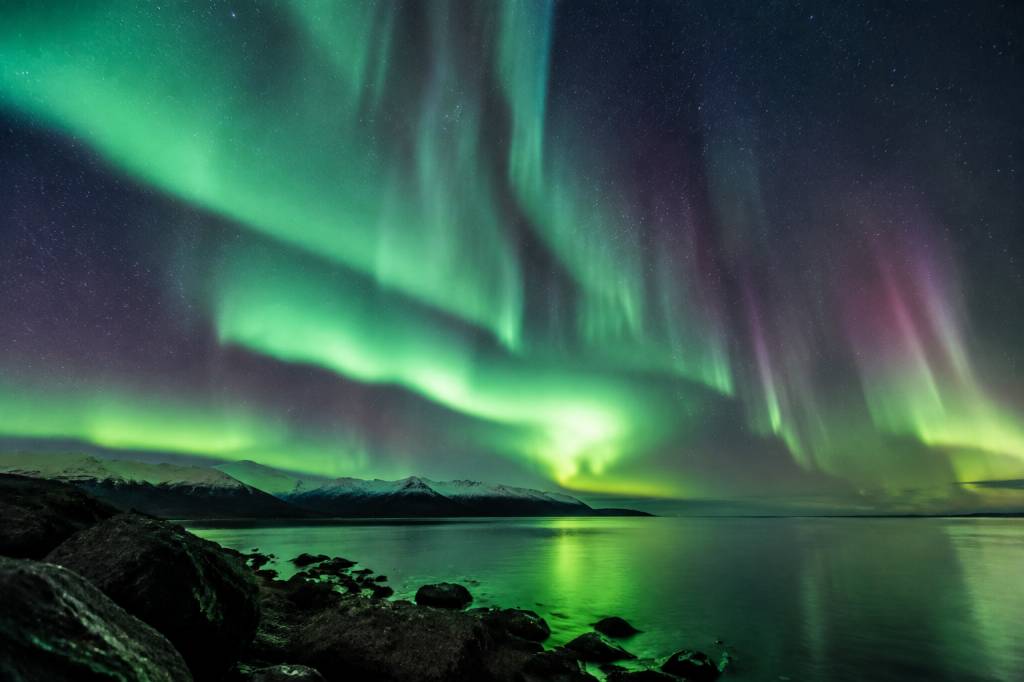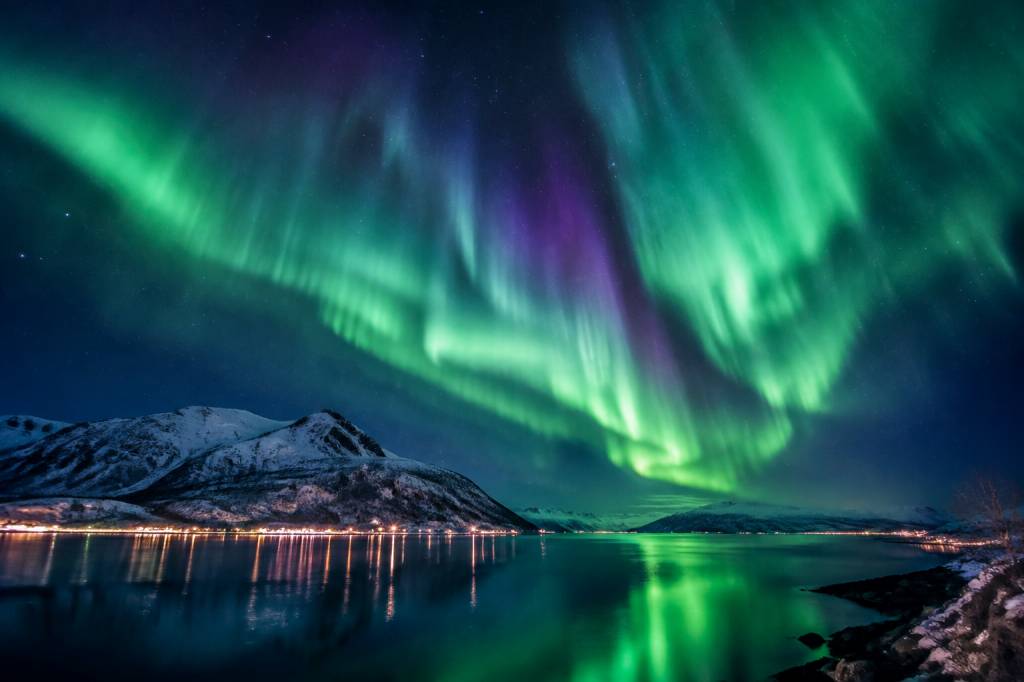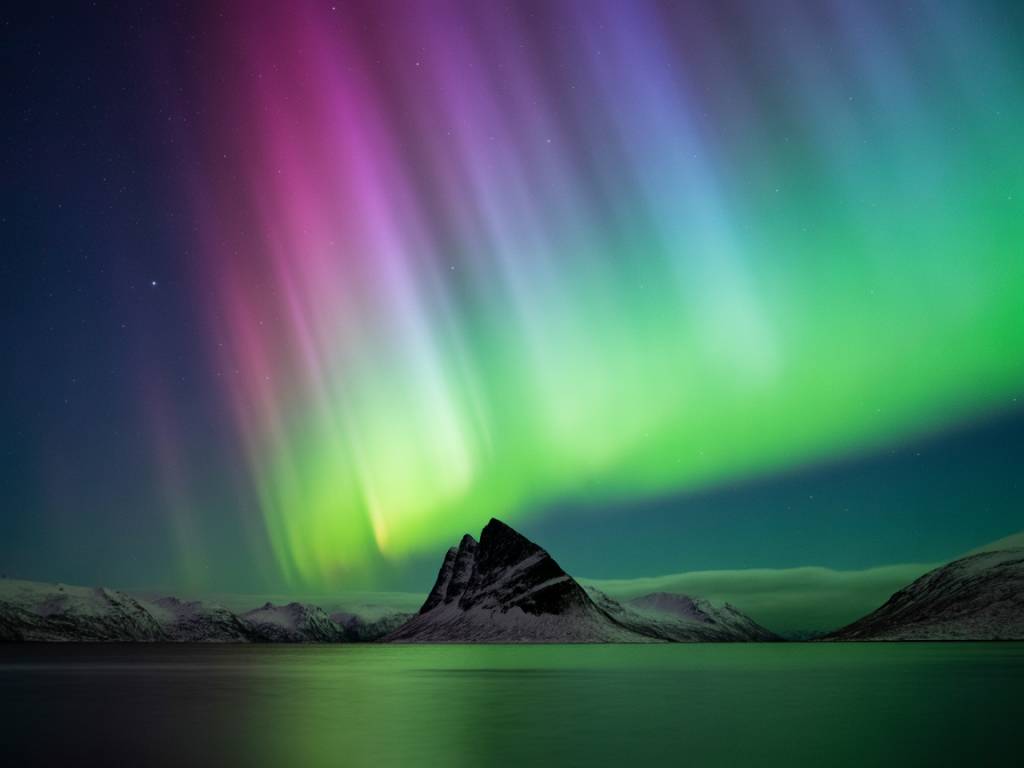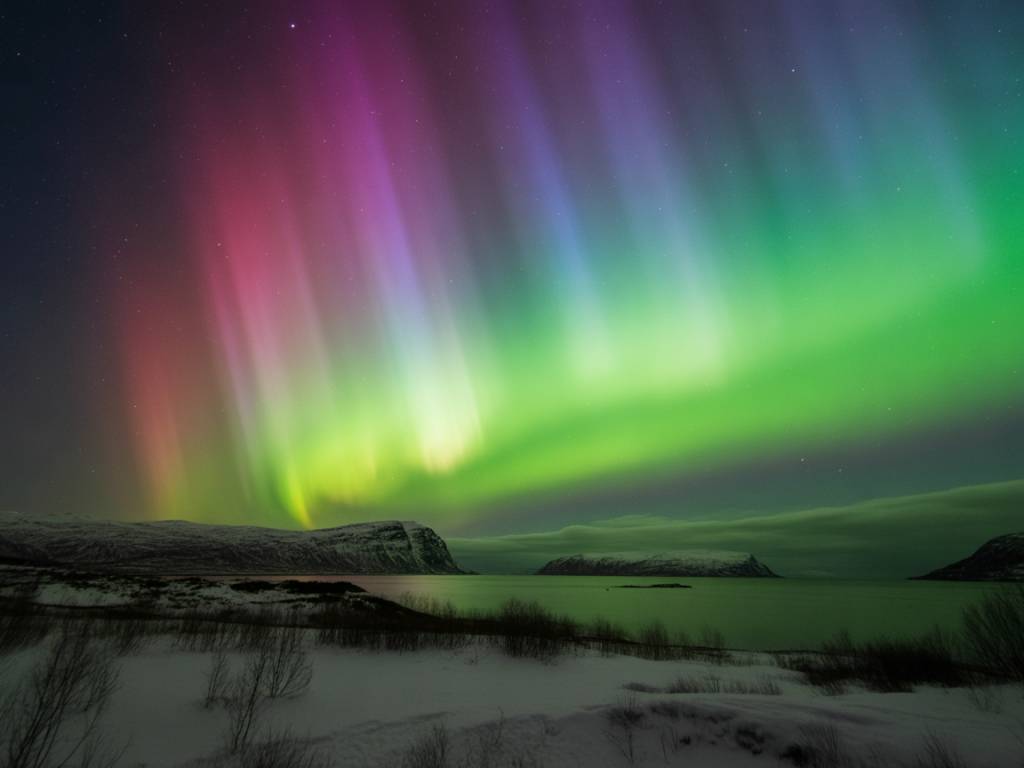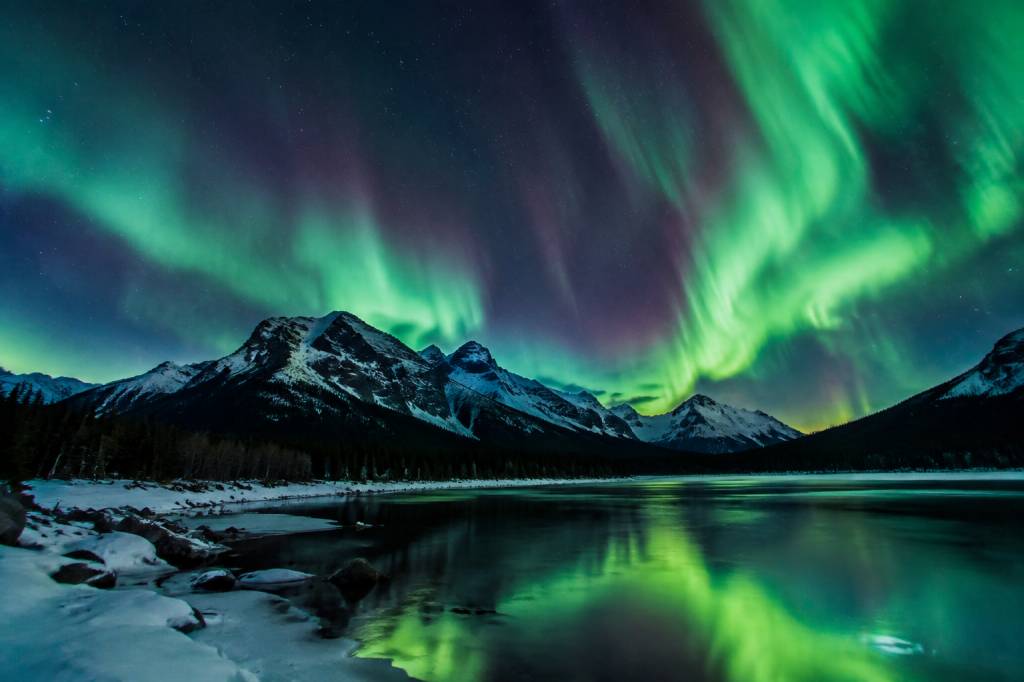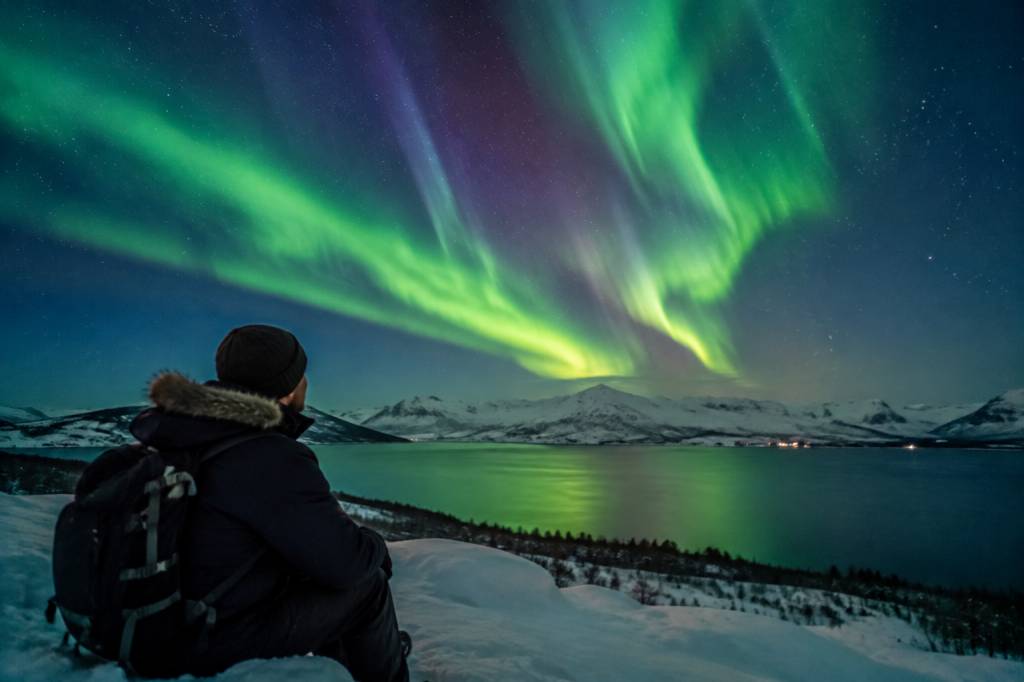

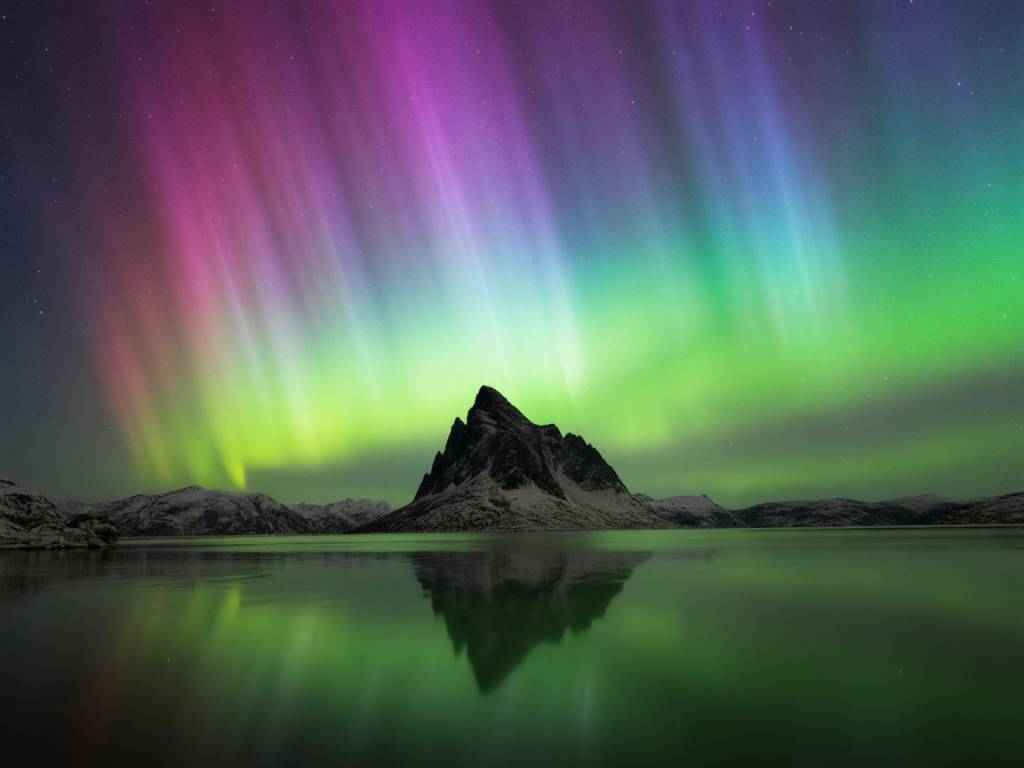
If you’re hunting northern lights from a city or a town, you’re fighting two battles at once: the sky and the streetlights. The good news: with the right camera setup, you can still pull out detailed, structured aurora from a washed-out urban sky. The bad news: you won’t get there with “auto” mode and hope.
In this guide, I’ll walk you through how I actually set my cameras when I’m shooting auroras from light-polluted areas: harbor fronts, hotel parking lots, suburban hillsides. We’ll turn the usual “dark sky” rules into a realistic approach for people who can’t just drive three hours into the wilderness.
What light pollution really does to your aurora shots
Let’s start with the problem. Light pollution doesn’t just make the sky brighter. It affects your images in three main ways:
- It raises the background brightness so you lose contrast in the aurora.
- It adds color casts (orange from sodium lamps, green from LED, magenta from mixed lighting).
- It limits your exposure time before the sky turns into a solid white or yellow blob.
In a dark location, you might shoot something like ISO 3200, f/2.8, 10–15 seconds. In town, those same settings will probably give you a bright, ugly sky with very little structure in the aurora. So you need to change the way you expose: shorter times, slightly lower ISO, and more care with how much ambient city light you let into the frame.
Minimum gear that actually works in town
You don’t need a pro body and a suitcase of lenses, but some gear matters more in light-polluted areas than in the middle of nowhere.
- Camera with manual control (M mode + manual focus). Any recent DSLR or mirrorless is fine.
- Fast wide-angle lens (ideally f/1.4 to f/2.8, 14–24 mm on full-frame or 10–18 mm on APS-C). The faster the lens, the more flexibility you have to shorten the exposure.
- Sturdy tripod – you’ll be shooting at 0.7 to 4 seconds often. Even small vibrations ruin fine structures in the aurora.
- Remote or 2 s timer to avoid shaking the camera when you press the shutter.
- Lens hood to reduce flare from nearby lamps, car headlights and windows.
- Optional but very useful: a soft-edge graduated ND filter (1–2 stops) if you’re shooting over a very bright skyline or harbor.
If you only remember one priority: a fast lens helps more in town than in the dark countryside because you can keep exposures short while staying below the “blowout” level of the city sky.
Core camera settings for light-polluted aurora
Here’s the set of base settings I actually start with when I’m near a town, and then tweak on site. Treat them as a starting point, not a religion.
- Mode: Manual (M)
- File format: RAW (non-negotiable if you’re fighting orange or magenta skyglow)
- Focus: Manual, pre-focused at infinity (more details below)
- Aperture: as wide as your lens allows without getting too soft. Usually:
- f/1.4–f/2 if your lens is sharp enough
- f/2.8 if your lens is very soft wide open
- Shutter speed: 0.7–4 seconds as a starting bracket in town
- ISO: 800–3200, usually 1600 or 2000 in moderate light pollution
- White balance: 3500–4000 K (fixed, never auto)
Why these choices?
- Shorter shutter stops the sky from overexposing and keeps fast auroral structures sharp.
- ISO in the mid-range gives you room to brighten shadows in post without turning the bright parts of the sky into a flat white mass.
- Fixed white balance makes your images consistent, which is crucial if you’re correcting a strong orange or green city cast later.
How to expose when the sky is already bright
In a city, the camera’s back screen will lie to you. Everything looks “nice and bright” even when the aurora is totally washed out. You need to rely on two tools: the histogram and quick test shots.
Step-by-step approach:
- Start with ISO 1600, f/2.8, 2 seconds as a test exposure.
- Take a shot and check the histogram (not just the preview image):
- If the histogram is bunched up on the left and the sky looks dark: raise ISO to 3200 or increase to 3–4 seconds.
- If the histogram is slamming into the right edge: reduce shutter to 1 second or 0.8 seconds, or drop ISO to 800–1000.
- Look at the brightest part of the sky in playback:
- If you see blinking highlights (overexposed) in the aurora or clouds, you’re too bright. Shorten the exposure first, only then lower ISO.
As a rough guideline in medium light pollution (small town, hotel zone):
- Faint, slow aurora: 3–4 s, f/2.8, ISO 1600–3200
- Medium brightness, some movement: 2 s, f/2–f/2.8, ISO 1600
- Bright, fast-moving aurora: 0.7–1.6 s, f/1.4–f/2, ISO 800–1600
In stronger light pollution (larger city, lots of lamps): expect to go down to 0.5–1 second, and rely more on a fast lens and higher ISO instead of longer exposure.
Focusing in town: avoiding blurry skylines
City shooting makes focus trickier because your autofocus often locks onto streetlights or buildings instead of the stars. That usually gives you a slightly soft aurora and mushy stars. Here’s a simple method that works consistently.
- Set your lens to manual focus.
- Use live view with maximum magnification (10x).
- Pick a bright star or a distant lamp on a hill, not a nearby streetlight.
- Turn the focus ring slowly until the star/lamp is the smallest, sharpest point you can get.
- Once it’s sharp, put a small tape or mark on your focus ring and barrel to remember that position.
- Re-check focus every 30–40 minutes; temperature changes can shift it slightly.
If you can’t see stars because of haze or cloud but still want sharp distant buildings, focus on the most distant, well-lit object in your frame, then switch to manual focus and don’t touch the ring.
Framing the aurora in a bright environment
In a light-polluted area, composition can save a mediocre sky. You probably won’t get a perfect, deep-green curtain from horizon to zenith, but you can build strong images by using the city instead of fighting it.
- Use the city as a foreground: harbors, bridges, snow-covered roofs, waterfront promenades. Let the aurora be the “sky accent”, not the only subject.
- Turn away from the worst light domes: if the city glows most strongly to the south, try to shoot north or northeast where the sky is slightly darker.
- Hide streetlights behind objects (trees, poles, buildings) to avoid direct glare into your lens.
- Look for higher ground: a small hill, a viewpoint above the main street level, the end of a pier. Every extra 10–20 meters in elevation can cut a surprising amount of direct light and reflections.
- Avoid including bare asphalt when it’s wet; it reflects lamps and can dominate the lower part of your frame.
When KP is low and the aurora stays low on the horizon, I often shoot horizontal frames with more city and less sky. When the activity picks up and structures rise higher, I tilt up and change to vertical frames to catch both the city line and the tall arcs.
How to “tame” city lights in your shot
You won’t remove light pollution completely, but you can control how aggressive it looks in your images.
- Watch for flare: If you see ghost circles or bright streaks near lamps, adjust your angle, use your hand or lens hood to block direct light hitting the glass.
- Try a soft-edge graduated ND filter when you have:
- Bright buildings or a harbor at the bottom
- Relatively darker sky and aurora above
Place the dark part over the city, keep the clear part over the sky. This lets you expose more for the aurora without blowing out every window in the frame.
- Avoid very small apertures (like f/8–f/16) just to get “starbursts” from lamps; in aurora work near cities, this forces you to use long exposures which destroy auroral detail and boost skyglow.
- Use buildings as a shield: Stand in the shadow of a wall, behind a parked van, or slightly around a corner so that the worst lamps are blocked while the sky above remains visible.
Adapting your settings as the aurora changes
In town, the window of good exposure is narrower. A small change in aurora brightness or cloud cover can push you from “perfect detail” to “white mush” very quickly. Don’t stay stuck on one exposure.
Think in simple levers:
- If aurora gets brighter and faster:
- Shorten shutter: 4 s → 2 s → 1 s
- Then lower ISO: 3200 → 1600 → 800
- If aurora fades or clouds thin out and sky darkens:
- Lengthen shutter: 1 s → 2 s → 3 s
- Then raise ISO: 800 → 1600 → 3200
As a rule, try to protect shutter speed first. A moving aurora at 4 seconds will already start to smear in busy city skies. If you can keep it around 1–2 seconds, your pillars and rays will look much sharper, especially when you zoom in later.
Specific scenarios: from hotel car park to harbor front
Let’s translate this into two real-world situations I see often in reader questions.
1. Hotel parking lot on the edge of a small town
- Lots of lamps around, but horizon still somewhat visible.
- Sky glow from the town, but you can see stars overhead.
My typical starting setup:
- Move to the darkest corner of the car park, away from the brightest lamp posts.
- Face away from the town’s main glow if possible (often north or northeast).
- Settings: f/2.8, ISO 1600, 2 seconds, 3800 K.
- Quick test shot, then adjust shutter ±1 second depending on histogram.
- Compose with parked cars or a snowbank in the foreground, but keep lamps outside the frame or hidden behind objects.
2. Harbor front in a bright coastal city
- Strong reflections on water, many lights, cranes, ships, maybe cruise terminal.
- Sky already bright from city, aurora visible more as structures and bands than as strong color.
My typical starting setup:
- Find a spot where no lamp shines directly into the lens (under a roof edge, behind a column, at the side of a building).
- Use a graduated ND if the lower frame (harbor, ships, streets) is much brighter than the sky.
- Settings: f/2–f/2.5, ISO 800–1600, 0.7–1.3 seconds, ~3600 K.
- Frame more tightly to avoid the worst light domes on the horizon; stress vertical structures like cranes against the arcs.
In both cases, your aim is not to create an artificially “dark” sky, but to hold detail in both the bright city and the aurora so you can fine-tune later in editing.
Post-processing strategy for city auroras
This isn’t a full editing course, but a few simple moves make a big difference for light-polluted shots:
- Drop white balance slightly (towards cooler: 3200–3800 K) to compensate orange or yellow glow.
- Reduce highlights and slightly increase shadows to recover structure in both city lights and the aurora.
- Use a graduated filter tool in your editor to:
- Darken the lower part of the frame (city) slightly
- Increase clarity or texture in the upper part (aurora) without overdoing saturation
- Control greens and yellows locally. In strong light pollution, the sky may go mud-green or brown; gentle HSL adjustments help separate real auroral green from sodium or LED glow.
The key test: if you can still see structures and soft gradients in the aurora after your edits (not a hard, neon stripe), your exposure in the field was good.
Simple checklist before you start shooting in town
When you’re stressed by the forecast, the lights, and the clock, it’s easy to forget basics. Here’s a quick routine you can run in two minutes:
- Battery charged and RAW format selected.
- Lens cleaned, hood on, manual focus set and checked on a distant light or star.
- Mode M, aperture wide open or one stop closed (f/1.8–f/2.8).
- ISO 1600 as a safe middle starting point.
- Shutter between 1–3 seconds to begin, then test and adjust via histogram.
- White balance fixed at 3500–4000 K.
- Tripod stable, 2 s timer or remote enabled.
- One quick test shot, review for:
- Sharpness (zoom in on stars/buildings)
- Overexposure (blinking highlights on sky or buildings)
- Flare or ghosting from nearby lamps
Once this base is locked in, you can focus on tracking the aurora itself instead of wrestling with your camera.
You won’t cancel the city lights, but with short exposures, sensible ISO, and smart composition, you can absolutely come home with detailed, structured northern lights—even if your shooting spot is only a few steps from your hotel door and a row of orange lamps.